One platform.
Every tool you need.
From shift request to confirmed worker to approved timesheet to generated invoice — Subshift handles each step automatically, so your team can focus on growing the business.
No credit card required · Clients & workers always free
Everything under one roof
Six core modules that cover the full agency workflow. No bolt-ons, no add-ons, no surprises.
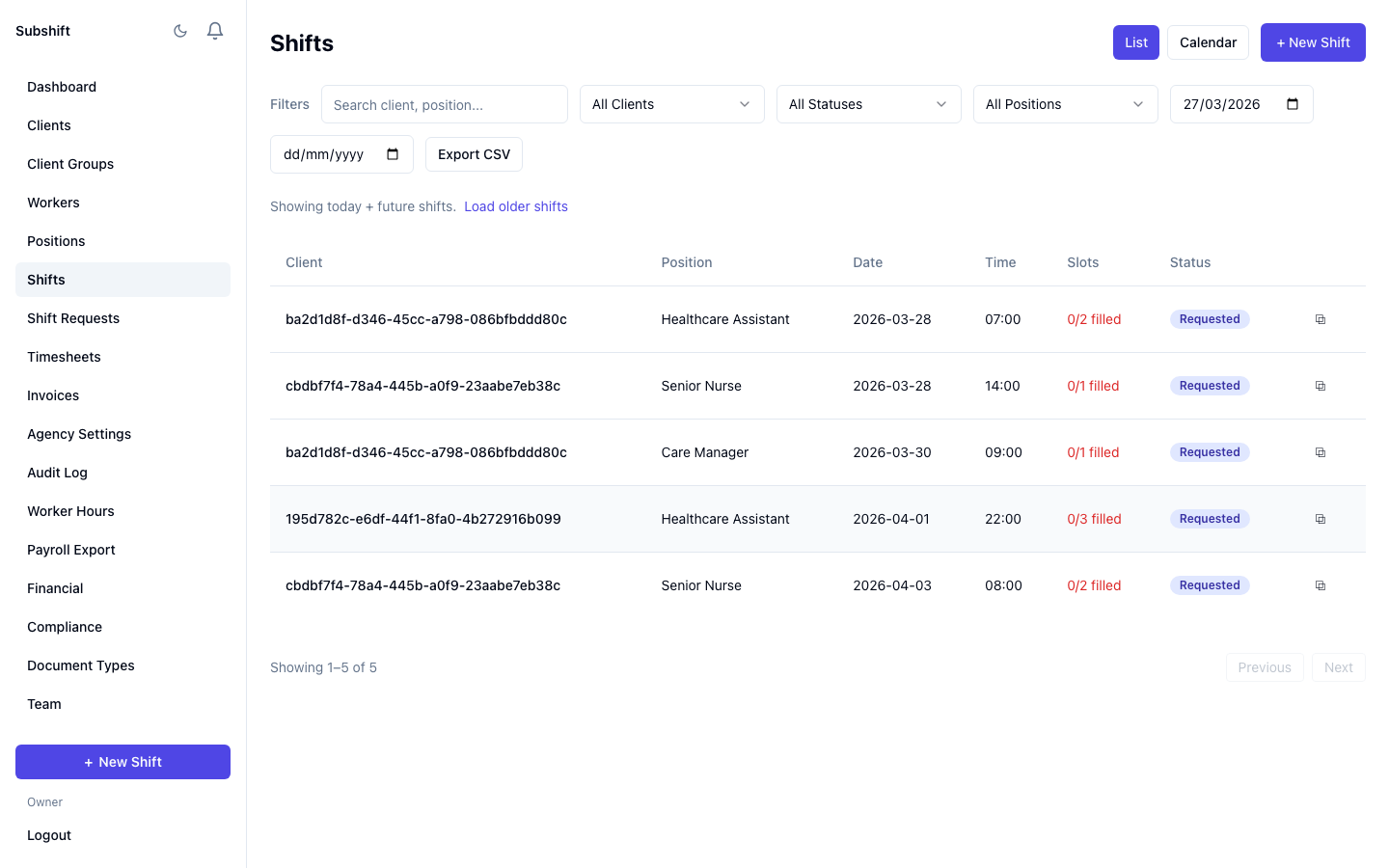
Fill shifts without lifting a phone
When a shift opens, Subshift automatically matches it against your entire worker pool — scoring for skills, availability, and compliance status. The best matches are notified in priority order. If the first worker declines, the next is contacted instantly.
- Automatic worker matching based on skills, availability, and compliance
- Sequential notification — push, SMS, or email — in priority order
- Real-time shift status tracking from request through to completion
- Client-raised shifts or agency-created shifts — both supported
- Overnight and multi-day shift support
- Configurable 15-minute accept/decline window per worker
- Exclusion reasons recorded — see exactly why each worker was skipped
The right worker, notified instantly
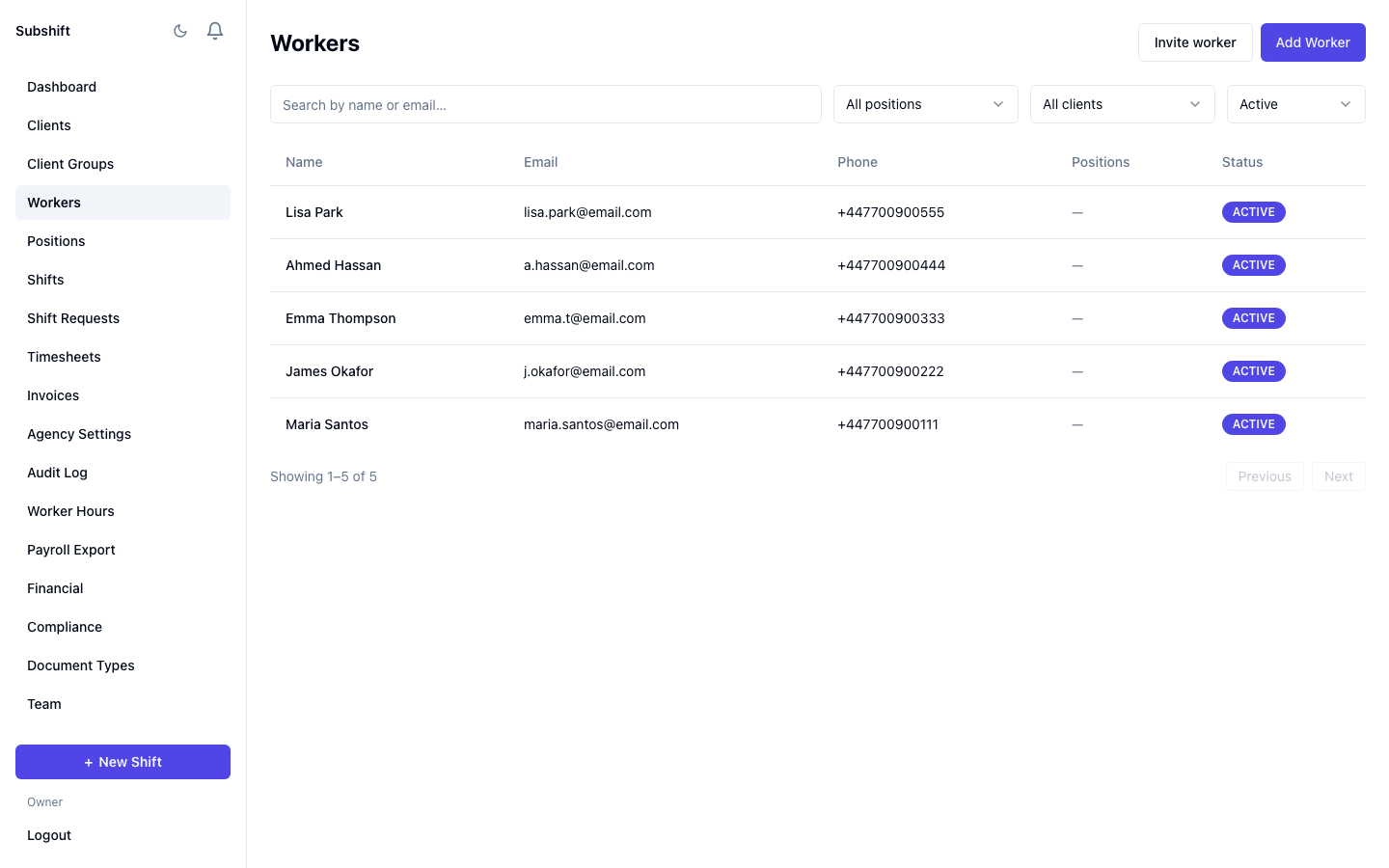
Subshift contacts eligible workers automatically via push notification, SMS, or email. Workers respond directly from their phone — accept or decline in one tap. If a worker does not respond within 15 minutes, the system moves to the next candidate automatically.
- Push notification, SMS, and email channels
- Sequential cascade — moves to the next worker automatically on decline or timeout
- 15-minute configurable response window
- Workers see full shift details before accepting: role, location, time, pay rate
- Agency notified at each stage — acceptance, decline, timeout
- No manual chasing required at any point
No paper. No re-keying. No disputes.
Workers submit timesheets digitally from their phone at the end of each shift. Clients approve with one click in their portal. Approved timesheets flow directly into invoicing and payroll — no one re-enters data manually.
- Worker submits hours from mobile app at shift end
- Client approves or rejects in their portal with one click
- Actual vs. scheduled hours tracked automatically
- Full timesheet history — searchable and exportable
- Approved timesheets feed directly into invoice generation
- No paper forms, no email attachments, no manual data entry
Non-compliant workers blocked automatically
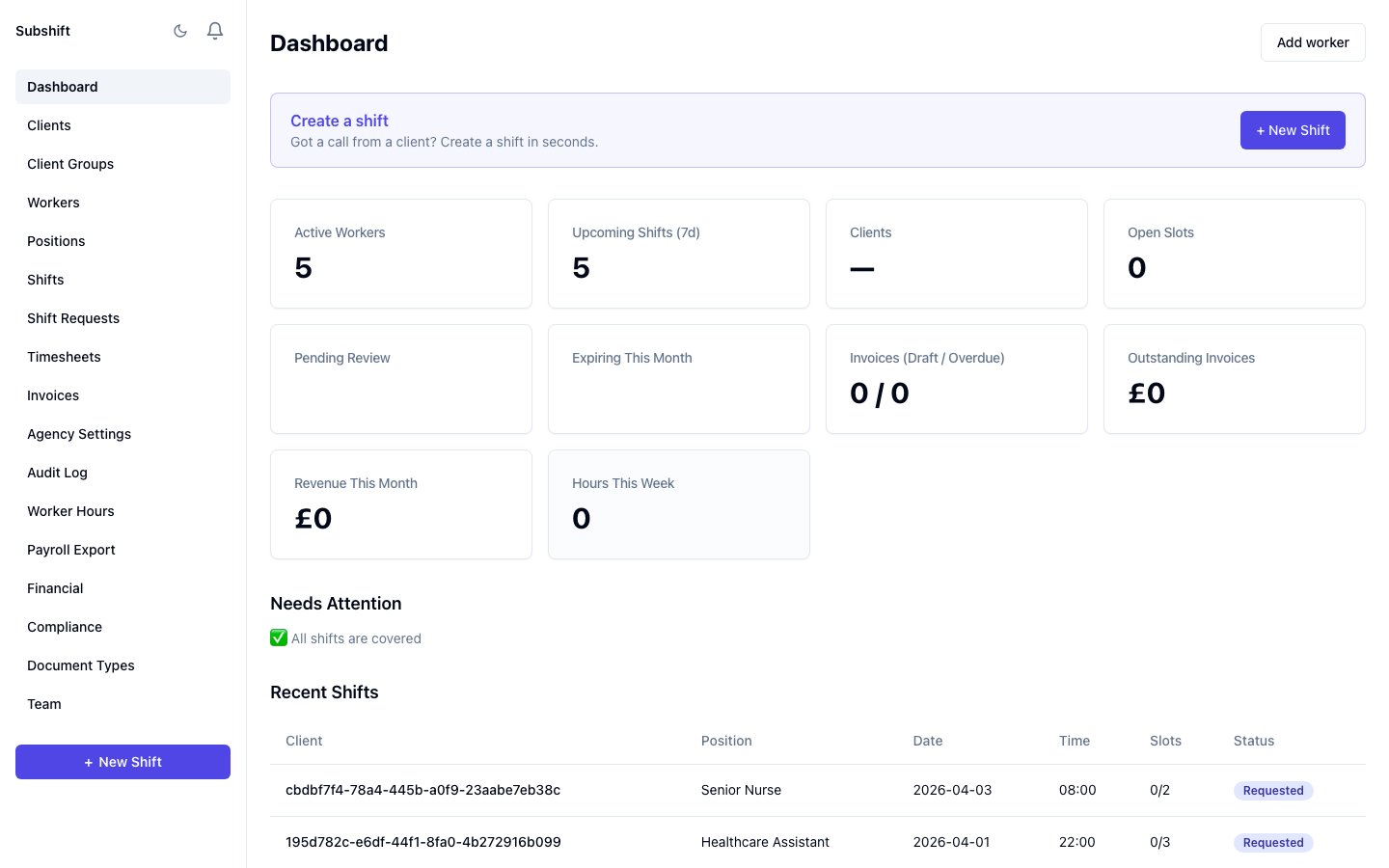
Subshift checks every worker's compliance status before they can be matched to a shift. If a DBS has lapsed, a right-to-work document has expired, or mandatory training is overdue, that worker is excluded from shift matching automatically. No manual spreadsheet checks needed.
- Automatic compliance checks before every shift placement
- Workers with lapsed documents blocked from matching
- Document expiry tracking with proactive alerts sent to agency and worker
- Configurable lead times per document type — alert at 30, 60, or 90 days
- Full audit log of every action — create, update, delete
- Audit trail ready for CQC inspections and regulatory reviews
- DBS, right-to-work, training certificates, and custom document types
Clients raise shifts themselves
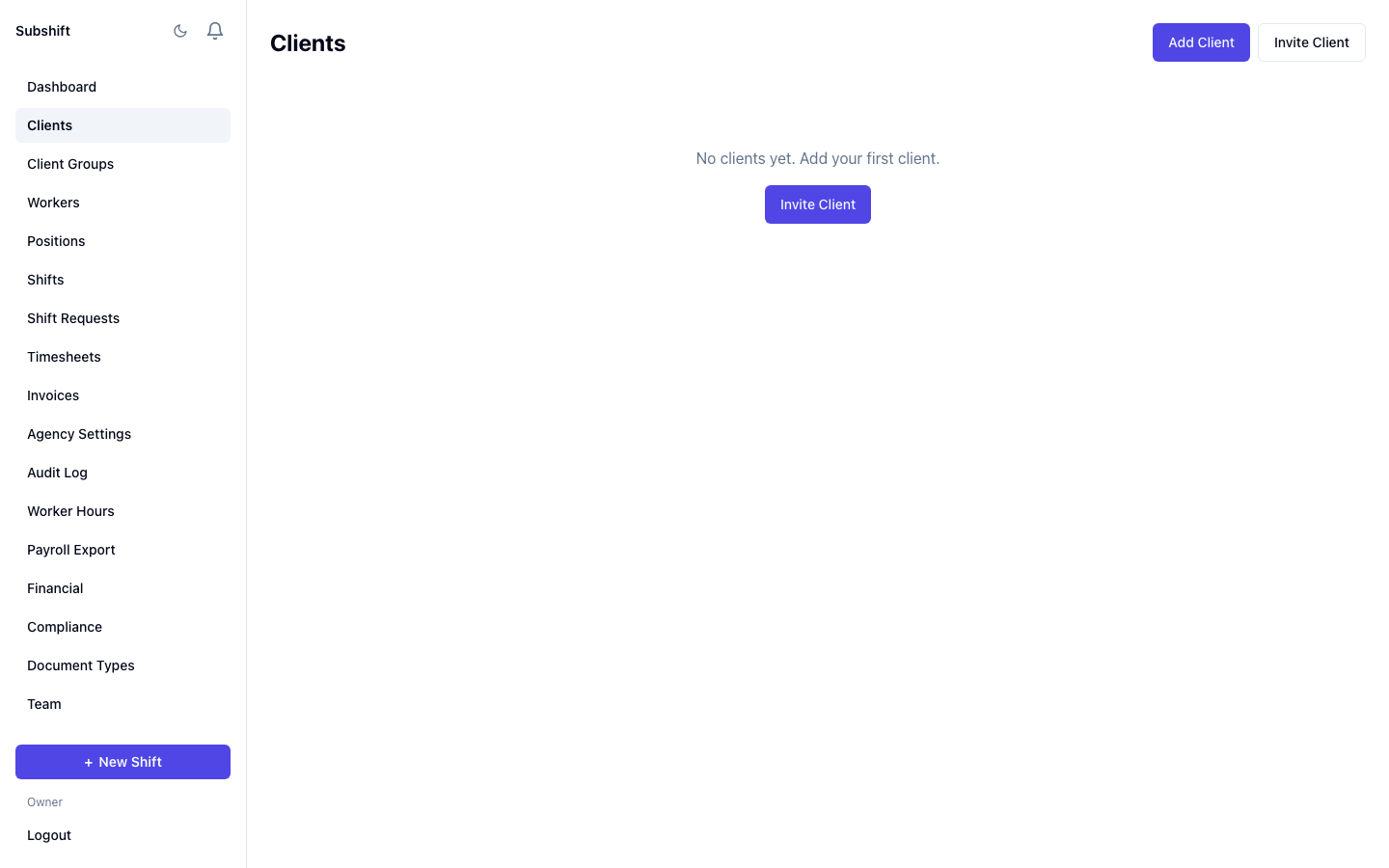
Your clients get their own clean, simple portal. They can raise shift requests in under a minute, see live fill status, and approve timesheets — all without calling your team. The portal is completely free for clients.
- Shift request form — role, date, time, notes — submitted in under 60 seconds
- Live fill status visible to the client in real time
- One-click digital timesheet approval
- Full shift history and past timesheet records
- Instant notifications when shifts are filled
- Free for all clients — no per-seat charges
Workers accept shifts in one tap
Workers set their availability, get matched to shifts that fit their skills and schedule, and confirm with a single tap. Digital timesheets at the end of each shift. No cold calls, no voicemails. The worker app is completely free.
- Set availability — days, times, recurring or one-off
- Instant shift notifications when a matching shift opens
- Full shift details shown before accepting: role, location, time, pay rate
- Accept or decline in one tap from any phone
- Digital timesheet submission at shift end
- "My Schedule" timeline view — shifts, fatigue windows, and unavailability at a glance
- Fatigue opt-out for limits the agency has made optional
Your entire operation at a glance
Live shift status, fill rates, worker availability, compliance alerts, and financial KPIs — always in view, always up to date.
Explore each feature in detail
In-depth pages on how each part of Subshift works.
Shift matching
How the cascade algorithm fills shifts.
Compliance
Documents, cards, and audit trails.
Timesheets
Submit on mobile, approve with one tap.
Invoicing
Approved timesheets → client invoices.
Rate cards
Flexible pay & charge rates per client.
Notifications
Push, SMS, and email delivery.
Dashboards
Live fill status, margin, and utilisation.
Worker app
The mobile PWA for workers.
Client portal
Client self-service and approvals.
Fatigue & hours
Configurable hours and rest-break rules.
Work & Rest Timeline
Visual timeline of shifts, fatigue windows, and unavailability.
Ready to see it in action?
Start a free 14-day trial and see the difference in your first week.
No credit card required · Clients & workers always free · Cancel any time