Audit log
The audit log at /audit records every significant action taken in your agency account — creating or editing workers, clients, shifts, timesheets, invoices, and more. Each entry shows who performed the action, what changed, and when.
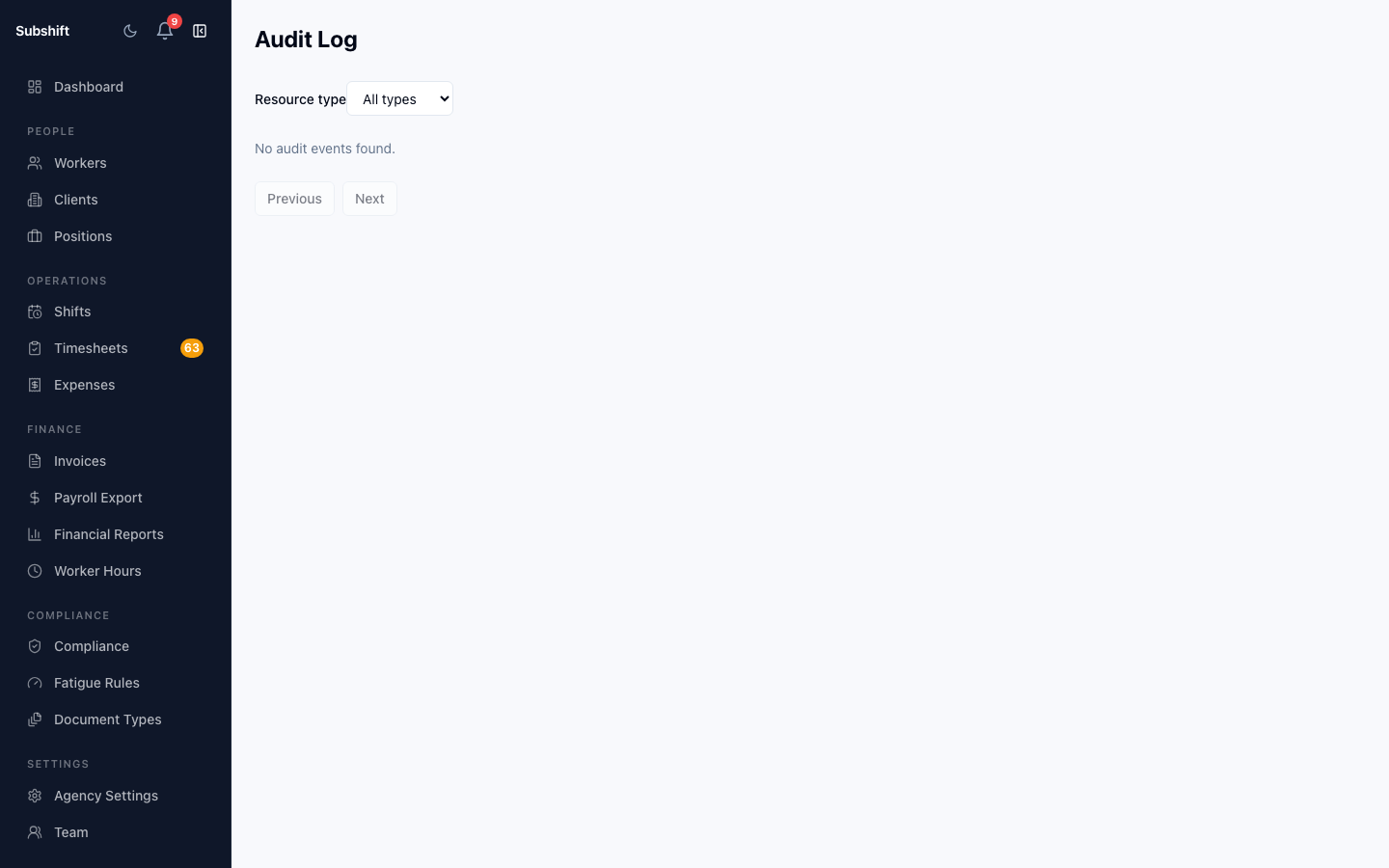
Navigating to the audit log
Click Audit in the left sidebar (under the Settings section if grouped there).
Reading the log
Each row in the audit log contains:
- Timestamp — the date and time the action was performed, in your local timezone.
- User — the team member who performed the action. System actions (e.g. automatic status changes) are attributed to "System".
- Action — what happened (e.g. CREATED, UPDATED, DELETED, STATUS_CHANGED).
- Entity type — the kind of record that was affected (Worker, Shift, Client, Invoice, etc.).
- Entity — a link to the affected record, if it still exists.
- Details — a summary of the change, e.g. which fields were updated and their old/new values.
Filtering
Use the filter bar to narrow the log by:
- User — see all actions by a specific team member.
- Entity type — view only shift changes, worker changes, etc.
- Action type — filter to CREATED, UPDATED, or DELETED events.
- Date range — focus on a specific period.
Tip
If you notice an unexpected change to a record (e.g. a shift was cancelled but you don't know who did it), filter the audit log by entity type "Shift" and the shift's date to find the responsible action.
What events are recorded
The audit log captures:
- Worker create, update, deactivate
- Client create, update, archive
- Shift create, update, cancel
- Timesheet approve, reject
- Invoice generate, status changes
- Compliance document upload, replace, remove
- Team member invite, role change, remove
- Position create, archive
- Agency profile updates
Note
The audit log is read-only and cannot be edited or cleared. Entries are retained for the lifetime of your agency account.
Related
- Compliance reports — compliance-specific audit trail for documents
- Team management — who has access to your account
- Dashboard — live operational overview