Financial report
The financial report at Reports → Financial gives you a top-down view of your agency's revenue, outstanding invoices, and margin. Use it to spot which clients or positions drive the most value and to track how quickly outstanding invoices are being paid.
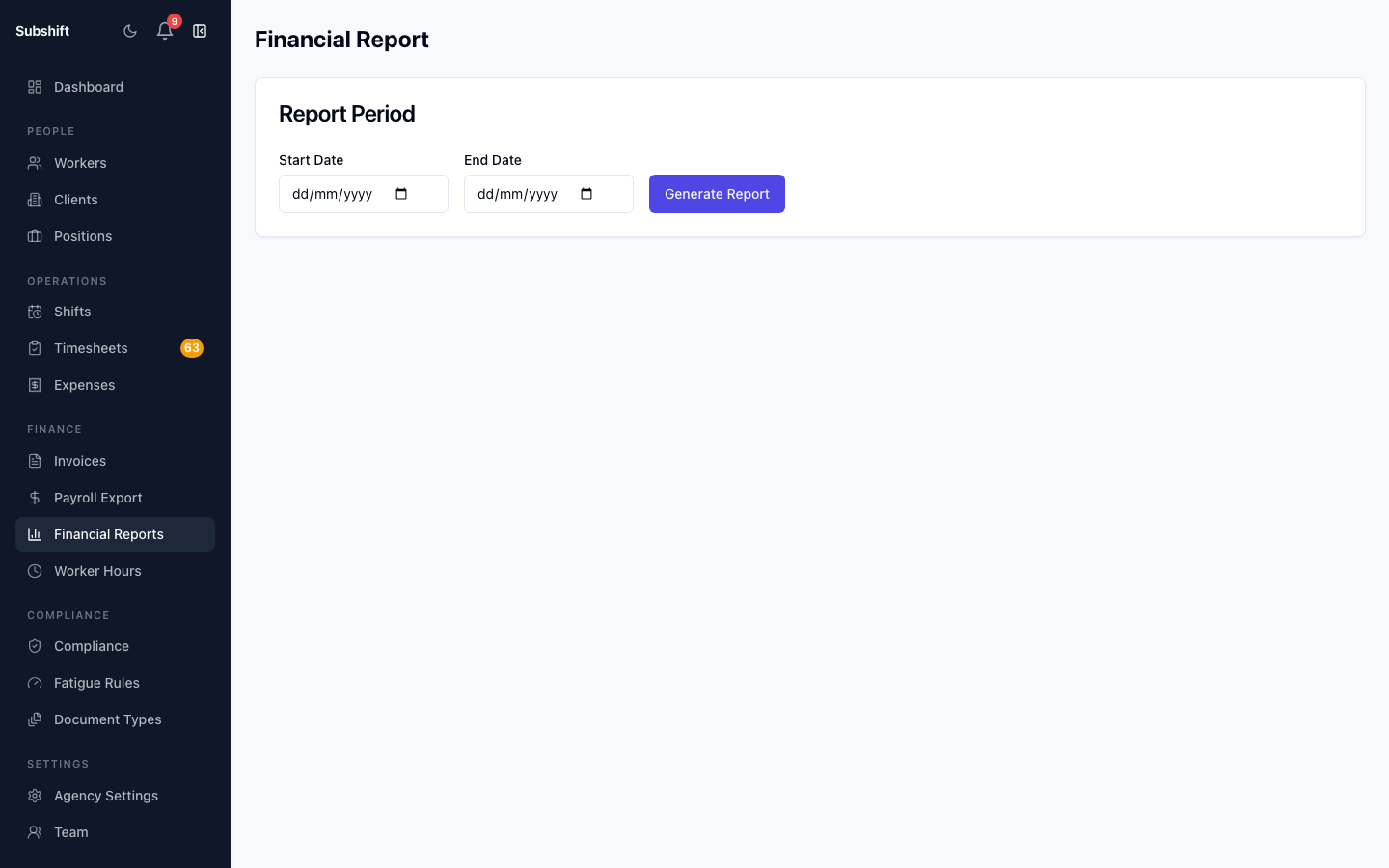
Opening the report
- Click Reports in the sidebar.
- Select Financial.
Date range controls
Set the From and To dates at the top of the page to control which period the report covers. All figures — revenue, outstanding, and margin — update to reflect only invoices within that range.
Revenue summary
The summary bar at the top shows:
- Total invoiced — sum of all invoice totals in the period.
- Paid — invoices marked as PAID.
- Outstanding — invoices in SENT (or DRAFT) status not yet paid.
- Estimated margin — revenue minus estimated worker payroll cost for the period.
Note
Breakdown table
Below the summary is a table breaking down revenue and outstanding amounts by client, by position, and by month. Use the Group by selector to switch between these views.
Exporting
Click Export CSV to download the current report data as a comma-separated file for use in a spreadsheet.
Tip
Related
- Invoices — manage and mark invoices as paid
- Hours report — utilisation and fill rate
- Payroll report — worker cost summary