Workers overview
The workers section lists every worker your agency manages. Workers are the people who accept shift offers and work shifts on behalf of your clients.
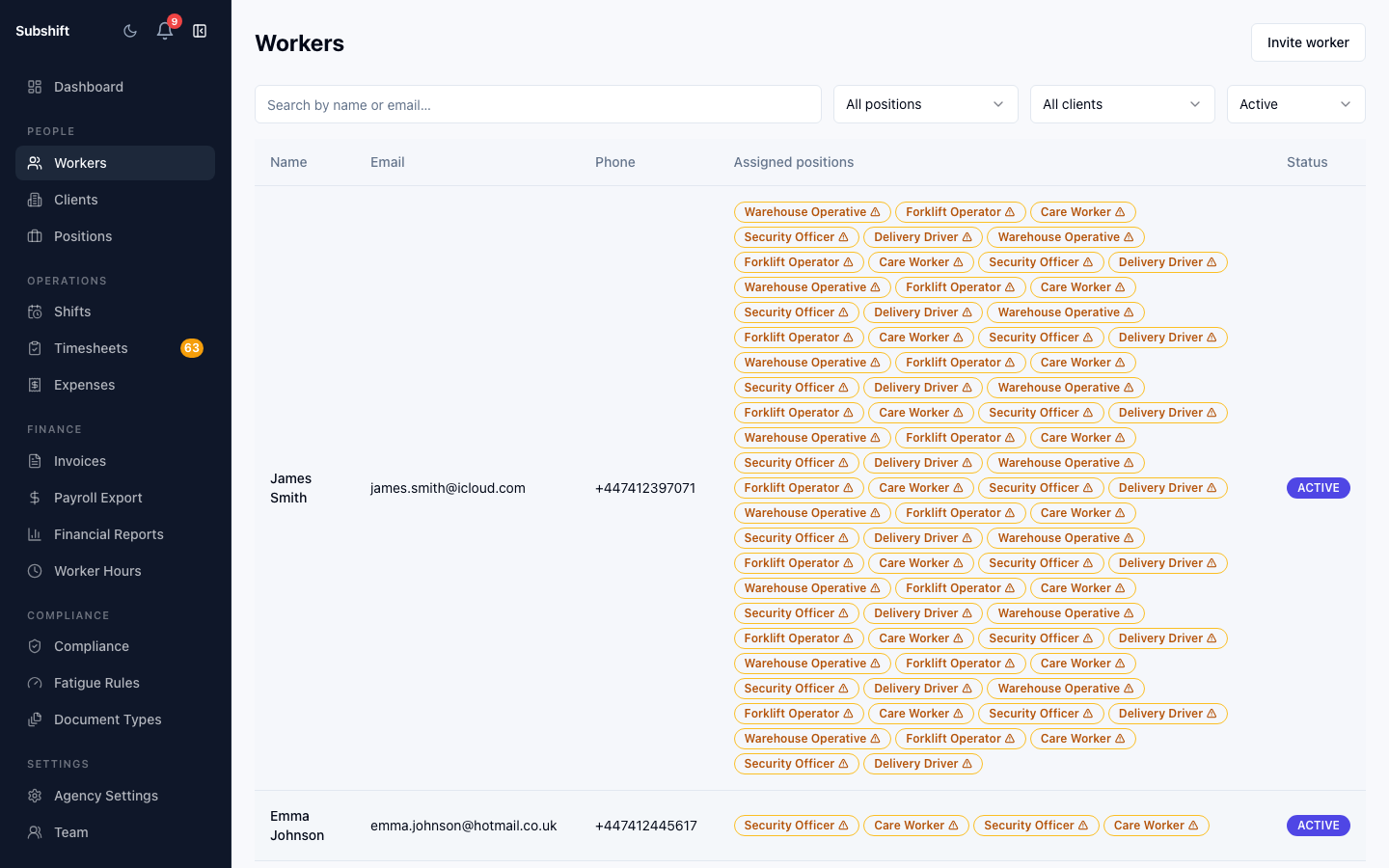
The workers list
Go to Workers in the sidebar. Each row shows the worker's name, their positions (qualifications), current compliance status, and whether they are active or inactive.
Searching and filtering
Use the search bar to find workers by name. Filter the list by:
- Status — active or inactive workers.
- Position — workers qualified for a specific role.
- Compliance — workers with lapsed documents (useful before creating shifts).
Tip
Filter by Compliance: issues regularly to catch workers with expiring documents before they get blocked from shift matching.
Worker status
Active workers are eligible for shift matching. Inactive workers are excluded from all shift matching and notifications. Deactivating a worker does not cancel their existing accepted shifts.
Related
- Adding a worker
- Worker detail — qualifications, compliance, and availability
- Compliance overview