Client detail
The client detail page is where you manage everything specific to one client: their allowed positions, rate cards, portal users, and a history of their shifts and timesheets.
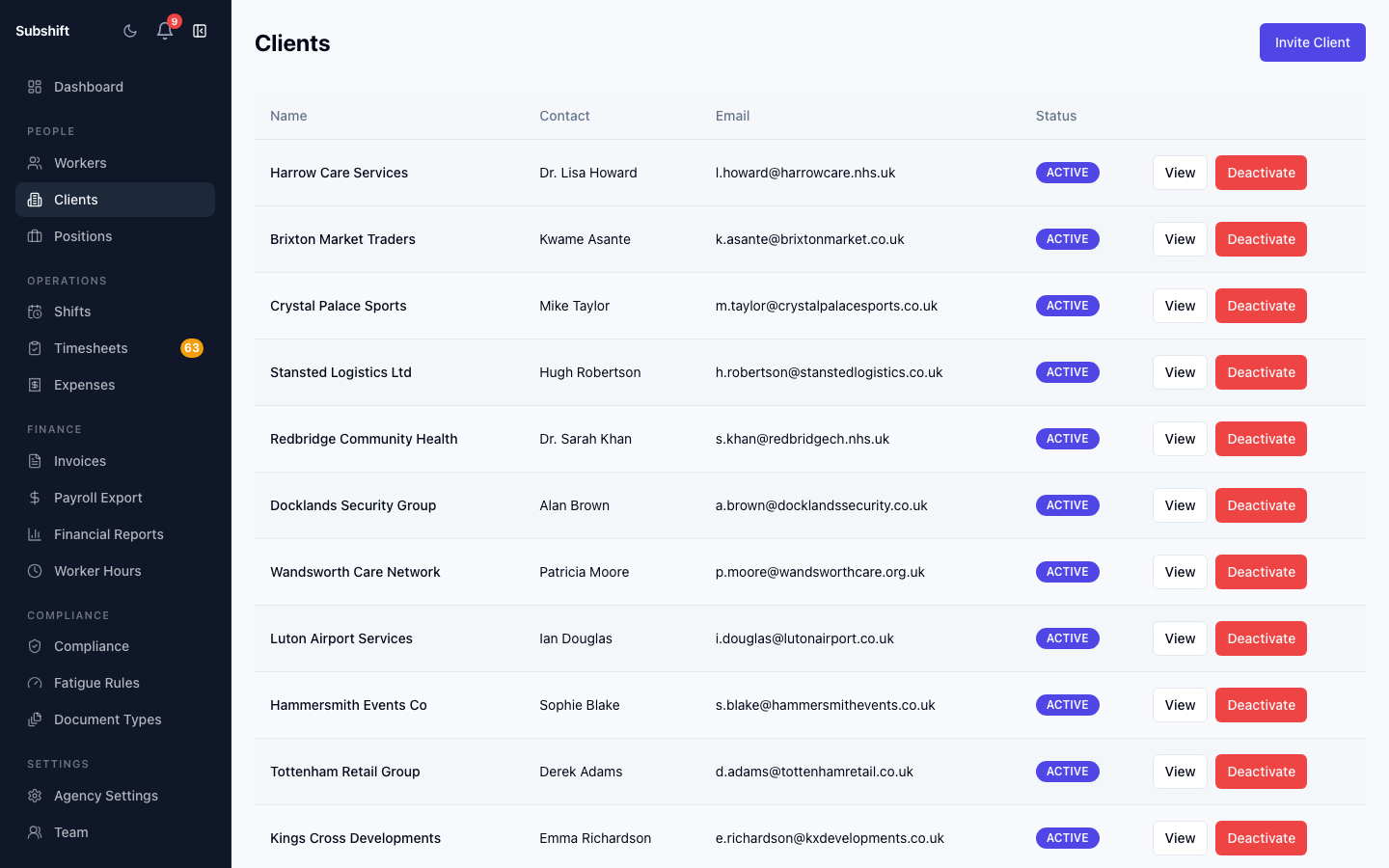
Overview section
The top section shows the client's name, contact details, and active status. Click Edit to update any of these fields.
Allowed positions
The Positions tab lists every position this client is allowed to request. To add or remove a position:
- Click the Positions tab.
- Use the Add position button to link an agency position to this client.
- To remove a position, click the remove icon next to it.
Warning
Rate cards
Rate cards define the pay and charge rates for workers at this client. Each position-on-client combination can have its own rate card with regular, overtime, and weekend rates.
Tip
Users
The Users tab shows every contact user who can log into the Client Portal for this client. From here you can:
- Send or resend an invite to a user.
- Copy the invite link to share manually.
- Cancel a pending invite.
- Deactivate a user to remove their portal access.
Activity
Scroll down to see recent shifts and timesheets for this client. Click any row to navigate to the full shift or timesheet detail.
Related
- Adding a client
- Positions — configuring the available positions
- Rate cards — setting up pay and charge rates