Dashboard
The dashboard is the first page you see when you sign in. It shows you a live summary of your site's staffing activity so you can quickly spot anything that needs attention.
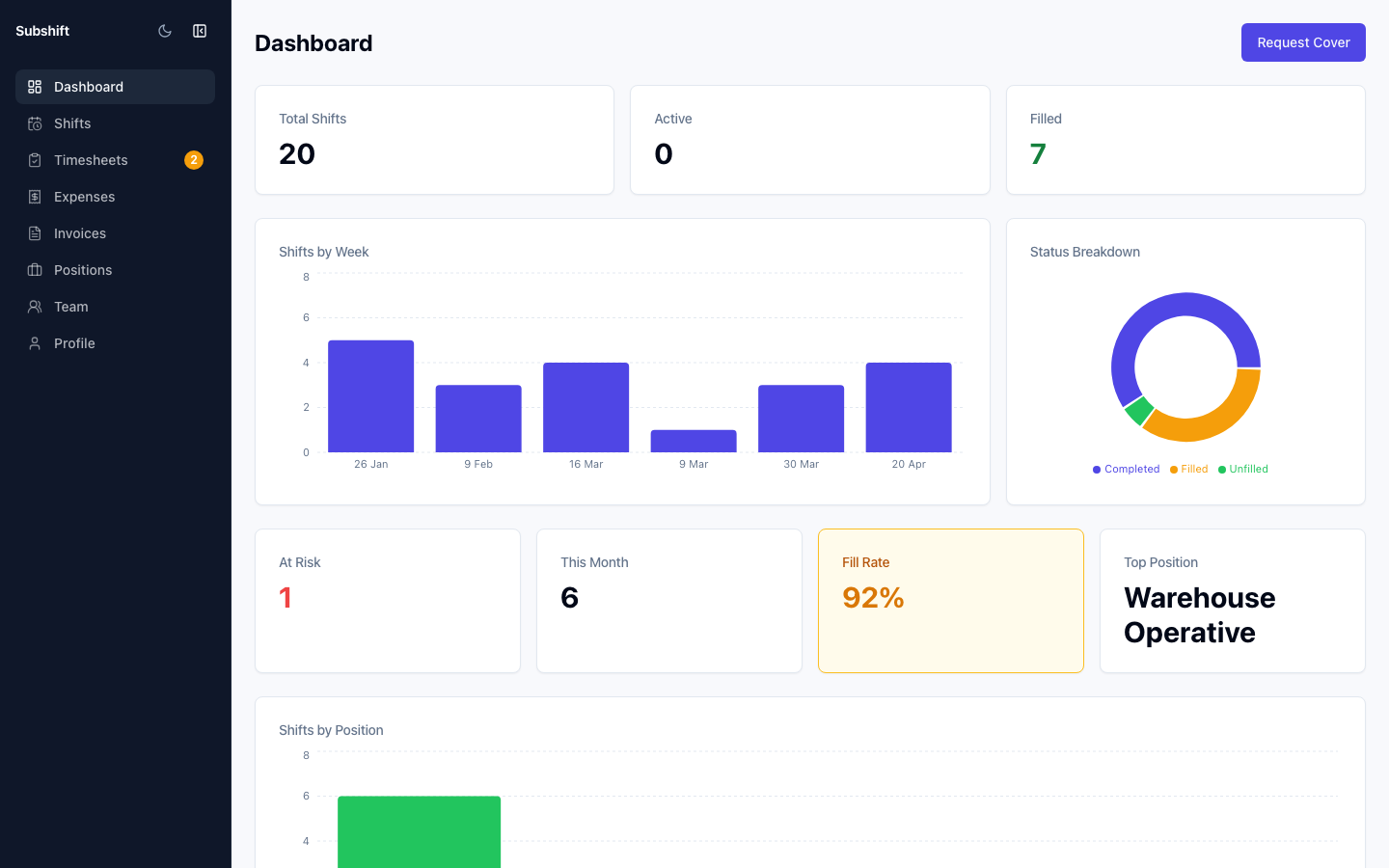
Stats cards
Four numbers sit at the top of the dashboard:
- Upcoming shifts — shifts you've requested that are scheduled for today or later and have not been completed or cancelled.
- Open slots — shift slots that haven't been filled yet. Your agency is actively working to find a worker for these.
- Pending timesheets — timesheets submitted by workers that are waiting for your review (if client-side timesheet approval is enabled for your account).
- Unfill rate — the percentage of your recent shifts where at least one slot went unfilled. A rising unfill rate is worth flagging to your agency.
Upcoming shifts
Below the stats, the upcoming shifts list shows your next scheduled shifts in date order. Each row shows the position, date, time, number of slots, and current fill status. Click any row to go to the shift detail.
Tip
If you see a shift with Unfilled or Partially filled status close to the shift date, contact your agency directly — they may need to escalate filling efforts.
Most-requested position
A summary tile shows your most frequently requested position over the last 30 days. This can be useful for planning ahead — if one position dominates your requests, discuss demand forecasting with your agency.
Related
- Shifts overview — see all your shifts with filters
- Requesting a shift — open a new shift request
- Timesheets — review pending timesheet approvals