Profile
The Profile page is where you manage your business's contact and billing information — the details your agency uses to send invoices and communicate with your site.
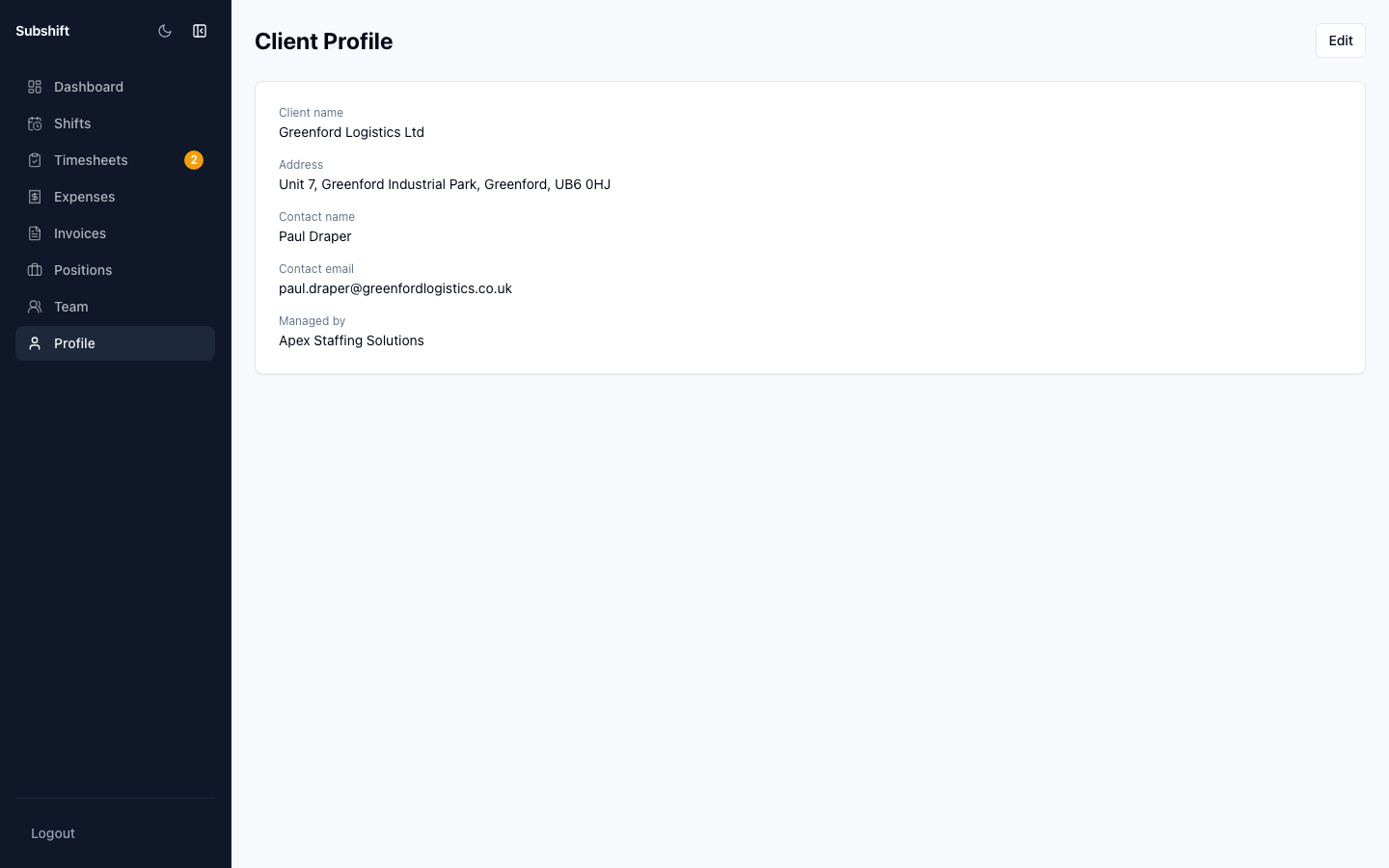
Navigating to profile
Click Profile in the left sidebar (or your avatar / company name at the bottom of the sidebar on some layouts).
What you can update
- Company name — the display name for your business within the portal.
- Primary contact — the name and email of the main contact for your site.
- Phone — a contact phone number for urgent agency communication.
- Billing address — the address that appears on invoices your agency sends to you.
Updating your details
- Edit the relevant fields.
- Click Save changes.
Tip
Keep your billing address up to date to ensure invoices are addressed correctly. Incorrect addresses can cause issues with your accounts payable team.
Note
Changes to your company name or contact details are visible to your agency. Your agency set up your business account — if you need to make significant changes (e.g. change the billing entity), coordinate with them first.
Related
- Team — manage who has access to your portal
- Invoices — ensure billing details are correct before invoice generation
- Getting started — first-time setup walkthrough