Clients overview
The clients section lists every business your agency supplies workers to. Each client has their own allowed positions, rate cards, and contact users who can log into the Client Portal to raise shifts and approve timesheets.
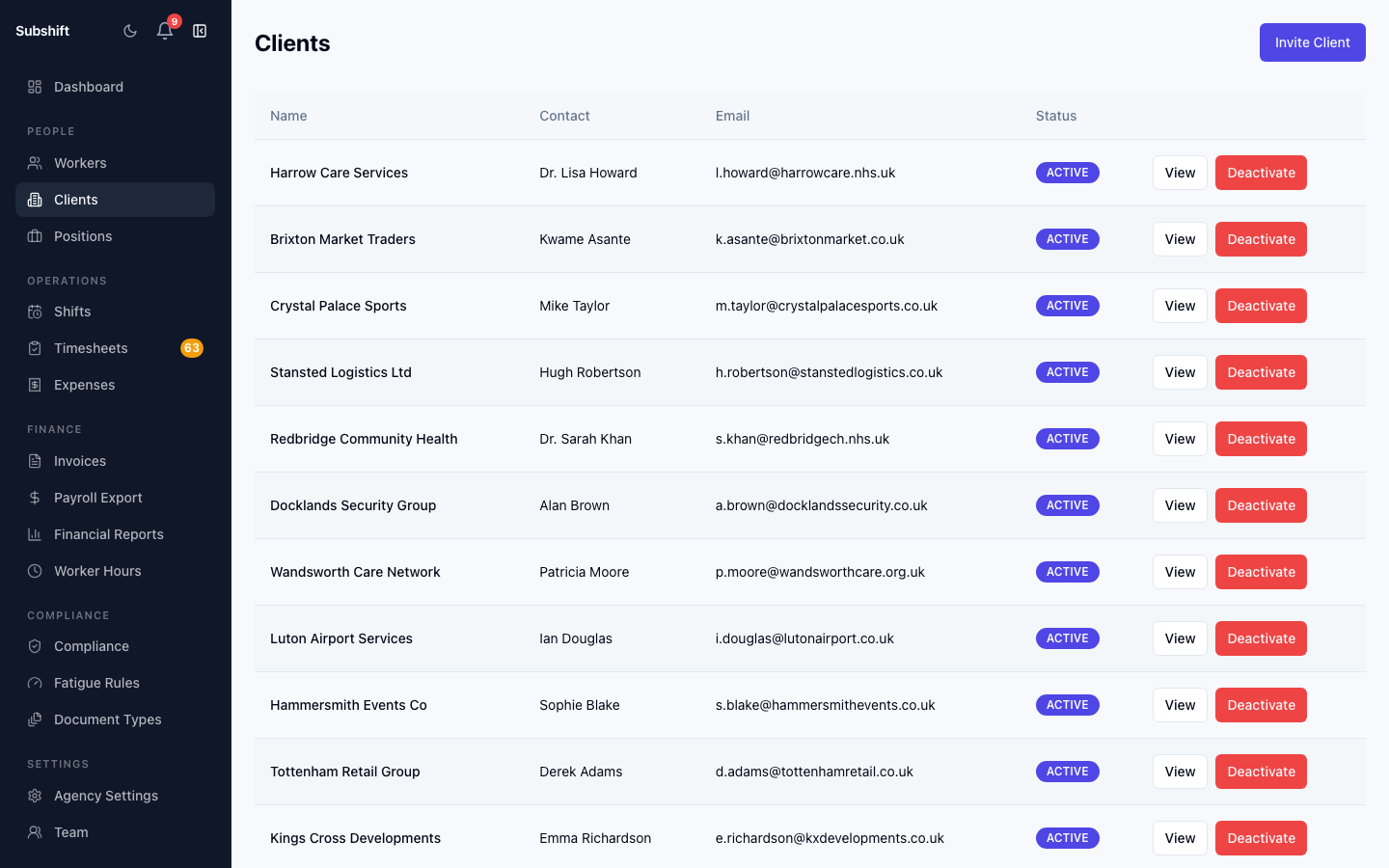
The clients list
Go to Clients in the sidebar. The list shows all your clients with their name, primary contact, allowed positions count, and status (active or inactive).
Filtering clients
Use the search bar at the top to find clients by name. If you have many clients, you can also filter by status to see only active or inactive ones.
Client status
Active clients can have shifts raised for them. Inactive clients are hidden from shift creation dropdowns. You can deactivate a client to stop new shifts being created for them without deleting their history.
Note
Deactivating a client does not cancel any existing shifts. In-progress shifts continue until they are completed or cancelled manually.
Related
- Adding a client
- Client detail — positions, rate cards, and users
- Creating a shift