Worker detail
The worker detail page is your full view of a single worker — their qualifications, compliance documents, availability schedule, and every shift they've been involved with.
Profile overview
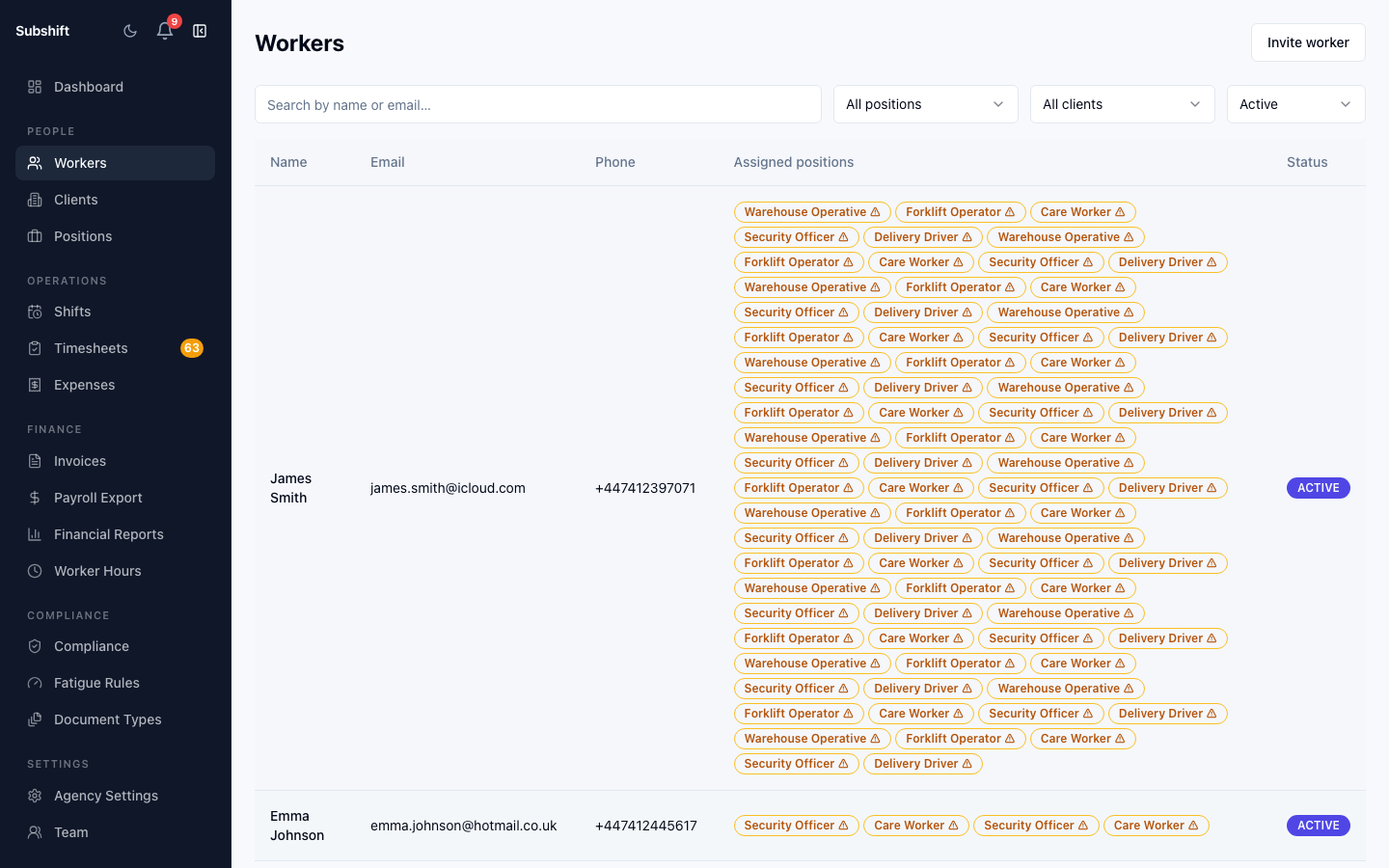
The top section shows the worker's name, email, phone, current status (active/inactive), and any internal notes. Click Edit to update these details.
Positions (qualifications)
The Positions section lists the roles this worker is qualified for. Workers are only matched to shifts for positions listed here. To add or remove a qualification, click Edit positions.
Compliance
The Compliance tab shows every compliance document on file for this worker: DBS checks, right-to-work documents, training certificates, and any custom document types your agency requires.
For each document you can see:
- Document type and issue/expiry dates.
- Current status: Valid, Expiring soon, or Expired.
- Download link (if a file was uploaded).
Warning
Availability
The Availability tab shows the worker's recurring weekly availability schedule and any specific unavailable dates they've set. This schedule is used by the matching engine when finding eligible workers.
Note
Timeline
The Timeline tab shows a visual, interactive view of this worker's schedule — confirmed shifts, mandatory fatigue rest windows, and unavailability periods displayed side by side on a time axis.
Use the toggle to switch between day view and week view. Navigate forward and back using the arrow controls. Hover over any block to see a card with the full detail — shift position, client site, start and end times, or rest window duration.
Three types of block appear on the timeline:
- Shift blocks — confirmed placements, colour-coded by status (upcoming, completed, cancelled).
- Fatigue rest windows — mandatory rest periods that follow each shift based on the position's fatigue rule. These periods show why a worker is not eligible for shifts immediately after working.
- Unavailability periods — days or times the worker has marked as unavailable in their app.
Tip
Shift history
The Shifts tab lists every shift this worker has been assigned to — accepted, declined, timed out, completed — with dates and client names. Click any row to see the full shift detail.
Related
- Adding a worker
- Compliance overview — document types and expiry tracking
- Fatigue rules — how rest windows are calculated
- Worker App — My Schedule — the worker's own timeline view
- Worker App — Setting availability