Invoices
The Invoices section is where you manage all billing for your agency. Invoices are generated from approved timesheets and sent to client businesses. This page explains how to navigate the invoices list and understand invoice statuses.
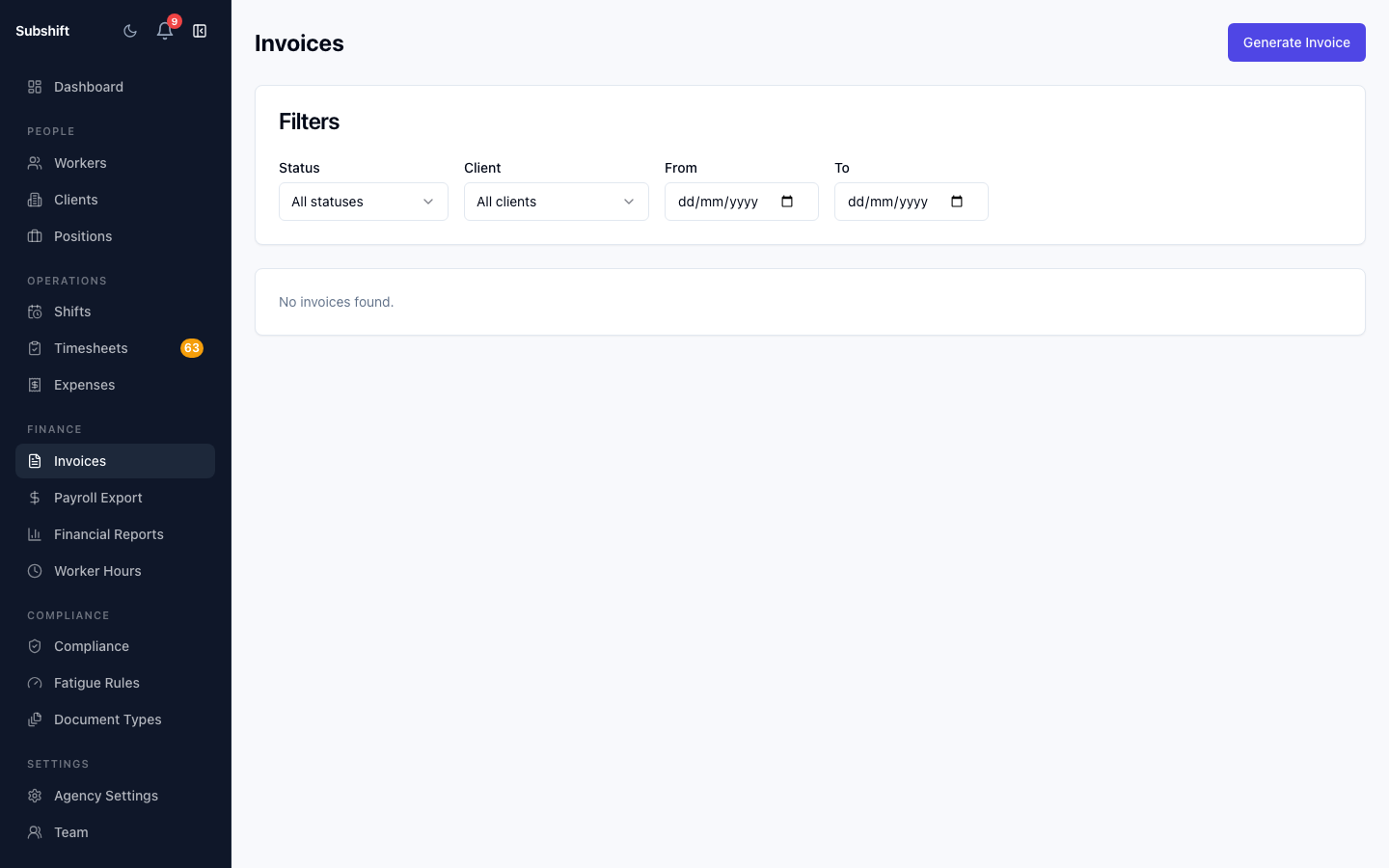
Navigating to invoices
Click Invoices in the left sidebar. The list shows all invoices across your agency, newest first.
Filtering and sorting
Use the filter bar to narrow by:
- Status — DRAFT, SENT, PAID.
- Client — view invoices for a single client business.
- Date range — filter by the invoice issue date.
Tip
Filter by Status: SENT to see outstanding invoices that haven't been marked as paid yet. This is a quick way to follow up on overdue balances.
Invoice status lifecycle
- DRAFT — generated but not yet sent to the client.
- SENT — marked as sent. The client has (or should have) received it.
- PAID — payment has been received and the invoice is marked paid.
Related
- Generating invoices — create an invoice batch from approved timesheets
- Invoice detail — view line items, mark as sent or paid
- Approving timesheets — approve timesheets before generating invoices