Profile
Your profile holds the personal details your agency needs to pay you and contact you in an emergency. Keep these details up to date — especially your bank account, so payroll goes to the right place.
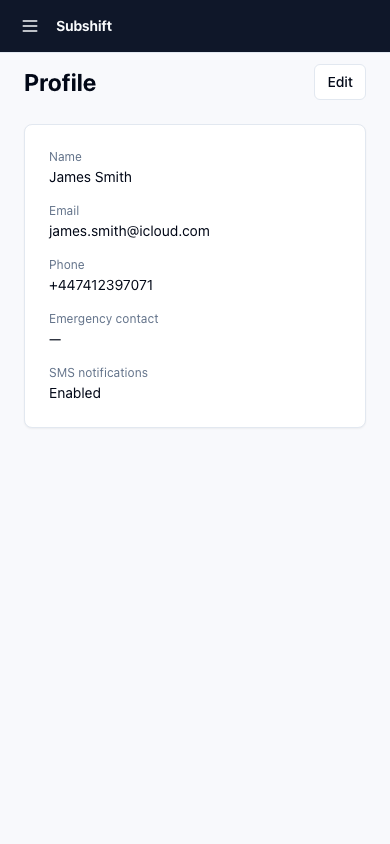
Opening your profile
- Tap Profile in the bottom navigation.
- Tap Edit profile or tap any section to update it.
Personal details
You can update:
- Phone number — used by your agency for urgent contact.
- Address — your home address (used for compliance records and correspondence).
- Profile photo — some clients use this to identify you on arrival at the site.
Note
Your name and email address are managed by your agency. If these need to change, contact your agency directly.
Bank account
Your bank details are used by your agency's payroll system to pay your wages. To update them:
- Tap Bank details.
- Enter your Account number and Sort code.
- Tap Save.
Warning
Double-check your bank details before saving. Incorrect details will cause your payment to fail or go to the wrong account. Your agency may take several days to reverse a misdirected payment.
Note
Your bank details are stored securely and are never visible to client sites — only your agency's payroll team can access them.
Emergency contact
Add a person your agency can contact if there's an emergency while you're on shift:
- Tap Emergency contact.
- Enter the person's Name, Phone number, and Relationship to you.
- Tap Save.
Related
- Compliance — manage your documents
- Availability — control when you receive shift offers
- Getting started — initial profile setup walkthrough